
AI Video Studio with Claude Code + Remotion
🛠 Build it: 1. Setup & your first skill · 2. The script-writing skill · 3. The editing skill · 4. The local AI story skill · 5. The comedy script skill
🎬 Use it: Talking-head video · AI story video · Deadpan comedy video
🔬 Under the hood: Architecture · Subtitles · Jump cuts · Music & SFX · Local AI pipeline
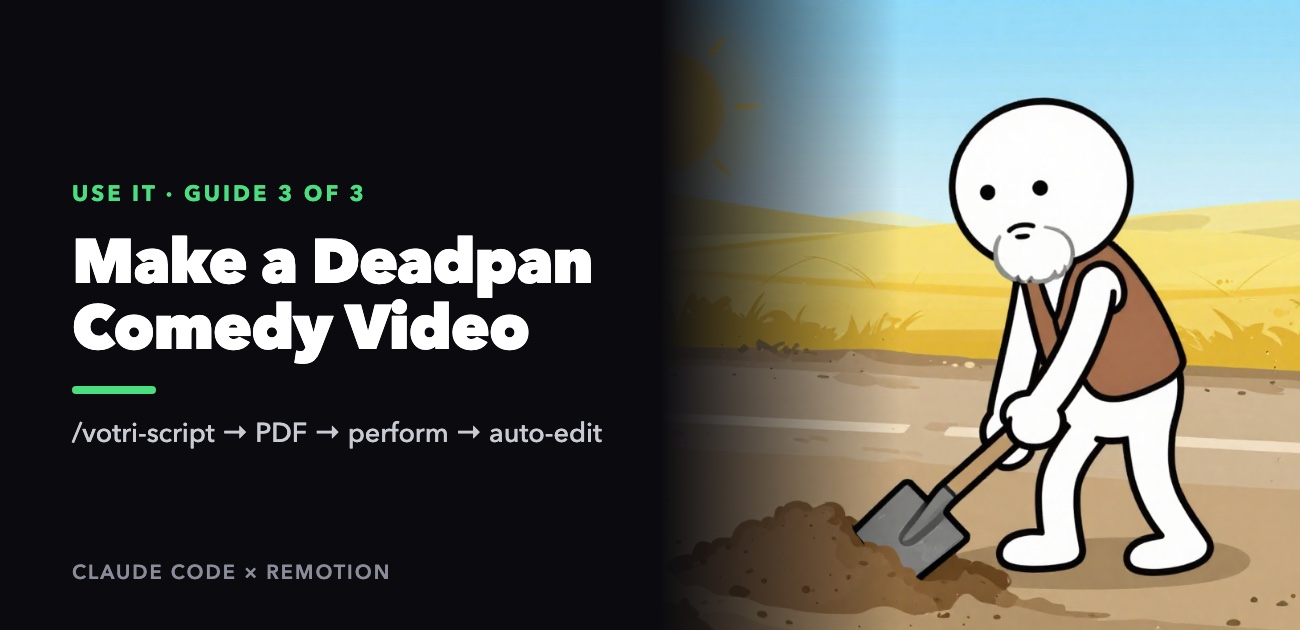
Deadpan comedy — hài vô tri — is a simple format with a lot of room for craft. You sit alone at a table with a glass of water or a bag of sunflower seeds, look straight into the lens with a completely straight face, and deliver a solemn lecture about something trivial: a cheesy pickup line treated as macroeconomic strategy, the urge to make a snarky comment explained as a medical condition, a 2 a.m. heart-to-heart with an ant. The more absurd the content, the more serious you are. You never laugh.
This guide shows how to make one with two skills:
/votri-script "<a saying, pickup line or story>" → review in chat → PDF → you perform → /tiktok-video <slug>
votri-script writes the script with you and prints it as a PDF to hold while you perform. After you film, tiktok-video edits it automatically: gentle jump cuts that keep your slow delivery, music that changes with each act and cuts out dead for the punchline, sound effects on exactly the right words, and a snap zoom into your eyes at the twist. You only film yourself.
Before you start
The project set up from the build series or cloned from the repository, plus:
- Google Chrome — the PDF is printed with it. (Another Chromium browser works with
CHROME_PATH, below.) brew install popplerif you want the skill to preview the PDF as an image.- FFmpeg and
cd remotion && pnpm install, for the editing step.
Music and sound effects need nothing — they're generated by code.
Step 1: Give it something to be serious about
/votri-script "Tốt nhất chưa chắc đã phù hợp. Phù hợp nhất mới là sự tốt nhất."
The skill recognizes five kinds of input and picks an angle for each:
| You give | Example | The default angle |
|---|---|---|
| A proverb or famous saying | "Nhân chi sơ, tính bản thiện" | Read the first half solemnly, then break the second half |
| A pickup line | "Anh tặng em cây son, mỗi ngày trả lại anh một ít nhé" | Teach it as a macroeconomic strategy |
| A saying or life opinion | "Tốt nhất chưa chắc đã phù hợp…" | Turn it into a scientific law |
| A word or topic | "deadline", "cuối tháng" | Coin a proverb-like line, then treat it as a classic |
| A short story | "Nửa đêm úp mì, tâm sự với con kiến rồi…" | A dramatic monologue with a cold-blooded turn |
Add any instructions in plain words after the input:
/votri-script "Ngứa mồm" — about 90 seconds, set at a roadside iced-tea stall
/votri-script part 2 of the lipstick video: nobody commented that they got the lipstick back
Defaults: 50–70 seconds (anything from 45 to 120 works), sitting alone at a table with a drink or a snack.
Step 2: Review and revise in chat
The skill doesn't print anything yet. It shows you:
- The thumbnail text: a title, a subtitle, and a "shock line" — for example CHIẾN LƯỢC TÁN GÁI VĨ MÔ / Giáo trình khoá chặt dòng tiền bằng một thỏi son / 180 NGÀY HÔN – VỐN 1 THỎI SON.
- The full script table, in five acts — Hook → Lead → Twist → Explanation → Outro. For each scene: the time, the framing and acting, the sound, every line of dialogue in full, and the on-screen text.
- The post caption and hashtags.
- Two other directions it considered — usually the same idea delivered by a different "expert" (a judge instead of an economist, say).
- A question: lock it in, or change something?
Talk to it like a co-writer:
| You say | It does |
|---|---|
| "make the twist line in scene 3 nastier" | Rewrites that line, shows you the change |
| "cut it to 50 seconds" | Tightens the whole script |
| "use milk tea instead of water" | Swaps the prop everywhere it appears |
| "the explanation needs a number" | Adds a straight-faced calculation |
| "go with direction 1" | Rewrites the whole script in that direction, in the same folder |
| "ok", "chốt", "xuất pdf" | Moves on to the PDF |
Until you lock it, there's no PDF, so you never end up printing a draft.
Step 3: The PDF
You get content/<folder>/kichban.pdf on A4 paper:
- Page 1: title and subtitle, duration, the character you're playing, the setting, the props to prepare, and a colored bar showing the five acts.
- One card per scene: a header with the act, the time, and the file name to save the clip as (
s1.mov,s2.mov…); framing, acting and sound notes; a line listing what the editor will add automatically (music, sound effects, zoom, kept pauses); then the dialogue in large bold text, readable at a glance while you perform; and the on-screen text. - The end: deadpan performance tips, the steps for handing the footage to the editor, and the posting information — title, subtitle, shock line, caption, hashtags — plus a ready-made prompt for generating the thumbnail with the text already filled in. The skill also puts the caption and the thumbnail prompt in the chat for easy copying.
If Chrome isn't found, point the script at your browser and run it yourself:
CHROME_PATH="/Applications/Chromium.app/Contents/MacOS/Chromium" \
  node .claude/skills/votri-script/scripts/build-pdf.mjs content/<dir>/kichban.json
If the PDF step fails for any other reason, the HTML version is still at content/<dir>/kichban.html — open it in a browser and print with Cmd+P.
Step 4: Perform
The rules of deadpan
- Never laugh. Not at the end, not a little. If you crack, stop and redo the take.
- Look into the lens, not at the screen.
- Slow down. The script is written for 2.5–4.5 words per second — slower than normal speech. The seriousness lives in the pauses.
- Use the props. The drink or snack gives you something to do in the silences and makes useful sounds — the thud of setting a glass down, the crack of a seed.
- At the twist, scenes marked ⏸ in the PDF: hold the silence for as long as the script says, face frozen, blink once. The editor won't cut it.
- Don't zoom by hand. The snap zoom into your eyes is added automatically.
Filming for the automatic editor
- One clip per scene, named exactly as the card says, copied into
content/<folder>/raw/:s1.mov,s2.mov….movor.mp4. - Vertical, with sound — a lapel mic, or a phone close to the table.
- A few extra seconds at the start and end are fine; they're trimmed automatically.
- If you fluff a line, say it again in the same clip. It works, though staying close to the script gives the most precise subtitles.
If you revise the script after filming some scenes, the skill keeps every existing scene's file name. A new scene gets a new number (for example s7), so clips you've already filmed never end up attached to the wrong scene.
Step 5: Edit
/tiktok-video dinh-luat-phu-hop-toi-uu
The editor recognizes the comedy script and edits it differently from a normal talking-head video:
| What | How |
|---|---|
| Jump cuts | Gentle: every pause is shortened, but 0.3 s of it is kept so your slow delivery stays slow. Twist scenes keep their silences entirely |
| Background music | Changes with the acts: lo-fi for the setup → cut dead at the twist → funk or a solemn waltz for the explanation. Short fades at each change |
| Sound effects | Exactly where the script anchors them: a record scratch at the start of the twist, crickets in the longest silence, a thud on a specific number in your explanation |
| Picture | A snap zoom into your eyes at the twist, a slow push during the "lecture", the on-screen text from the script, word-by-word subtitles |
A 60-second video takes about two minutes to render, plus a one-time 1.5 GB download on your first ever edit. The result is out/<folder>.mp4.
The music and effects are generated by code, so they belong to you — no copyright claims if you monetize. They sound like a decent synthesizer rather than real musicians. To use your own track, put an MP3 with the same name in content/_assets/bgm/ (for example funky.mp3) or content/_assets/sfx/. Your file always takes priority.
node .claude/skills/tiktok-video/scripts/audio-synth.mjs --list          # what's available
node .claude/skills/tiktok-video/scripts/audio-synth.mjs funky --force   # regenerate one
node .claude/skills/tiktok-video/scripts/render.mjs <slug> --studio      # preview and scrub
Fixing things after filming
- A cut is wrong: edit that scene's numbers in
content/<folder>/cuts.json, thenbuild-props.mjsandrender.mjs. The talking-head guide covers the cut options in detail. - A sound effect is in the wrong place, or you want another one: edit the scene's
sfxinkichban.json— for example{ "name": "thud", "word": "180" }puts a thud on the word "180" — then runbuild-props.mjsandrender.mjs. Editkichban.json, never thescript.jsonthe editor creates from it. - A subtitle has the wrong word because you changed a line while performing: change that scene's
lineinkichban.jsonto what you said, then re-runtranscribe.mjs <slug> --force(it caches its result, so--forceis needed when only the text changed),build-props.mjsandrender.mjs.
Posting
The last page of the PDF has everything: the title, subtitle and shock line for the thumbnail, the caption and the hashtags. Paste the thumbnail prompt into your image generator, upload out/<folder>.mp4, and keep a straight face in the comments too.
How the skill and the editor work together is covered in the build guide for this skill and the deep dives on jump cuts and music and sound effects.